How to Decide Blog Post Length Based on Search Intent?
Word count isn’t a goal. It’s a byproduct. The real driver is intent. Once you understand what the reader is trying to accomplish, length becomes obvious. Depth, structure, and where you stop all flow from that.
If you want a practical breakdown of ideal SEO word count ranges based on different content goals, read this detailed guide on how long a blog post should be for SEO.
High-performing content is dense, not long. Information per paragraph matters more than the total number of paragraphs. This guide gives you exact decision logic tied to intent, not vague word count ranges without context.
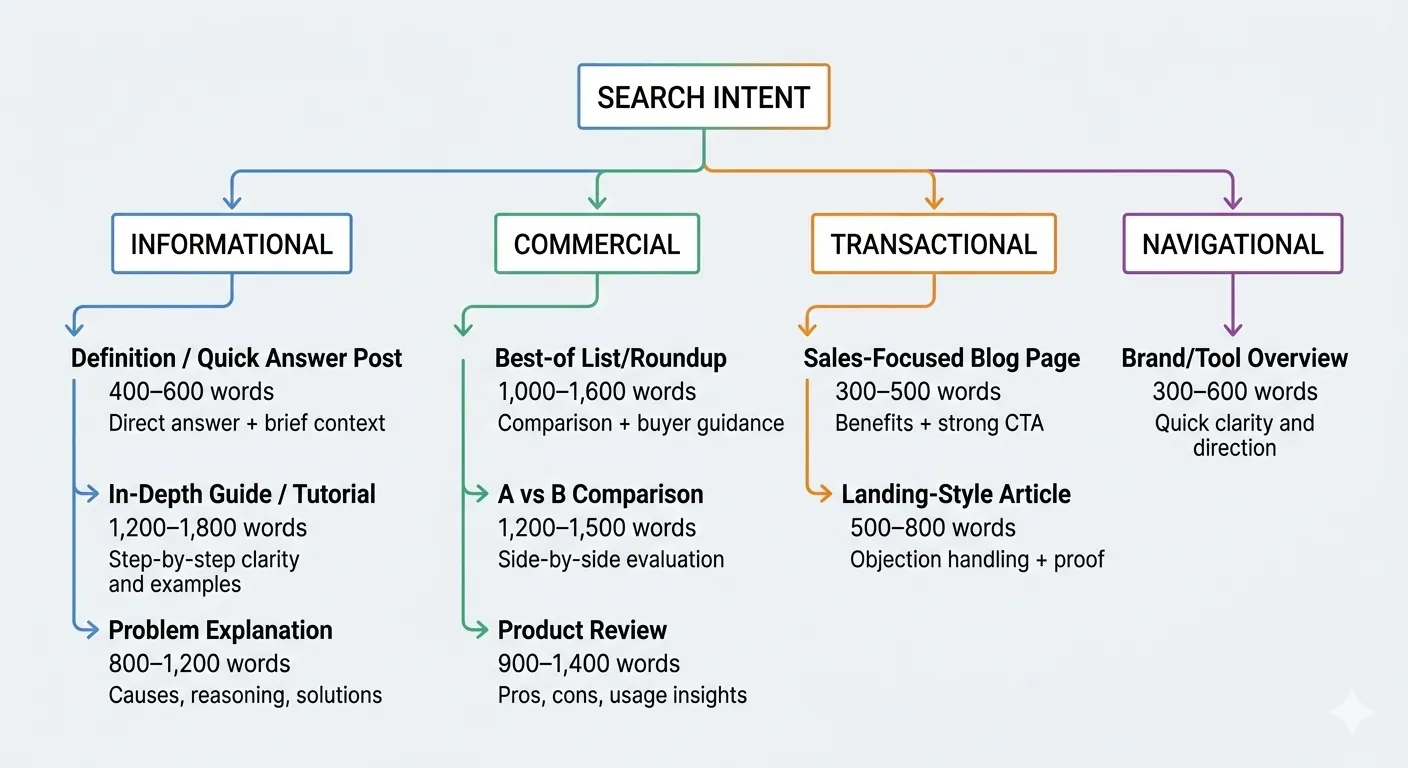
We’ll break it down by four intent types:
- Informational
- Commercial investigation
- Transactional
- Navigational
Quick Answer: Blog Post Length by Search Intent
| Intent Type | Blog Type | Ideal Word Count | Purpose Focus |
|---|---|---|---|
| Informational | Definition / Quick Answer Post | 400–600 words | Direct answer + brief context |
| In‑Depth Guide / Tutorial | 1,200–1,800 words | Step‑by‑step clarity and examples | |
| Problem Explanation | 800–1,200 words | Causes, reasoning, solutions | |
| Commercial | Best‑of List/Roundup | 1,000–1,600 words | Comparison + buyer guidance |
| A vs B Comparison | 1,200–1,500 words | Side‑by‑side evaluation | |
| Product Review | 900–1,400 words | Pros, cons, usage insights | |
| Transactional | Sales‑Focused Blog Page | 300–500 words | Benefits + strong CTA |
| Landing‑Style Article | 500–800 words | Objection handling + proof | |
| Navigational | Brand/Tool Overview | 300–600 words | Quick clarity and direction |
Informational Intent — Match Depth to Question Complexity
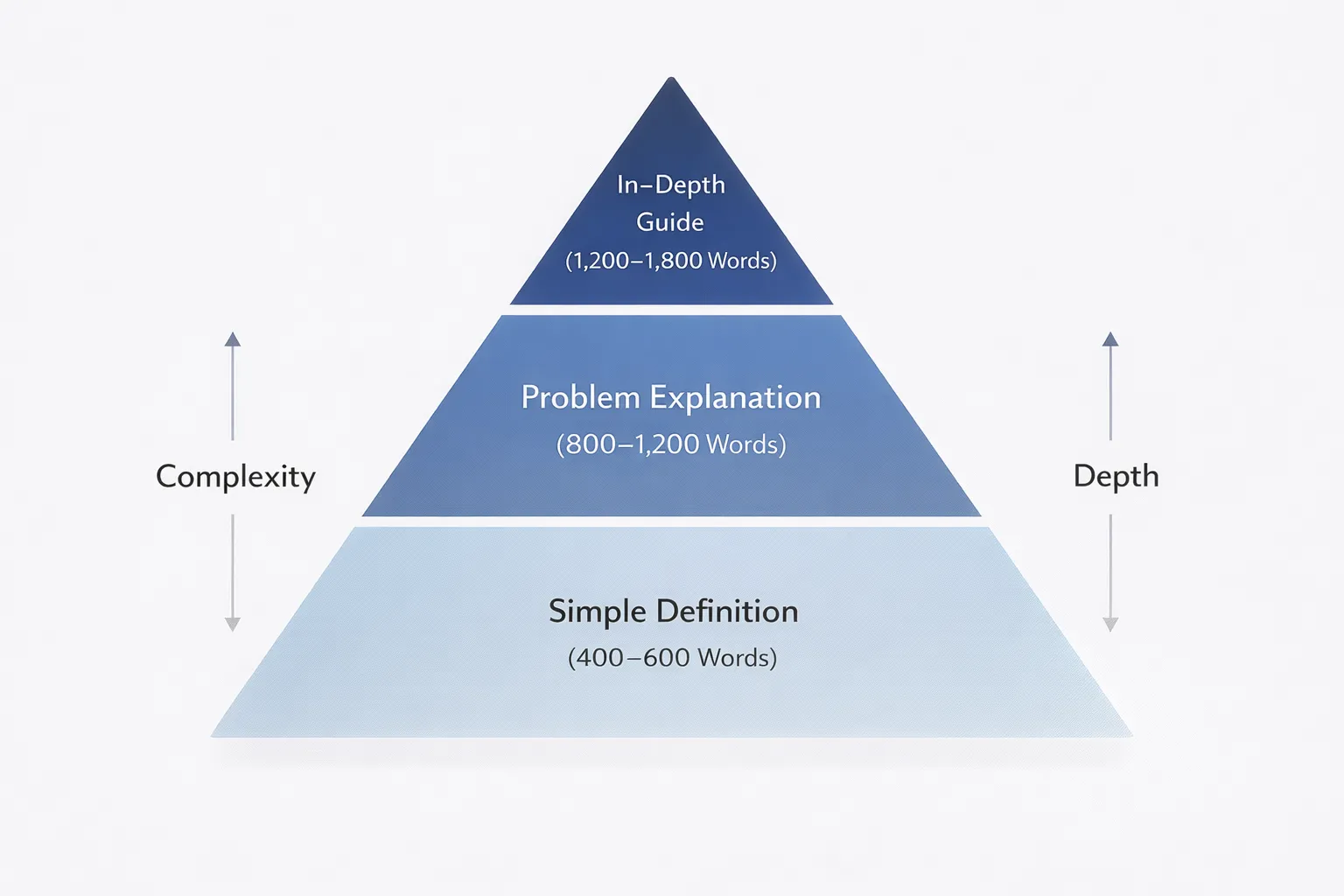
Recommended length depends on the question. Some topics need 500 words. Others need 1,500. The keyword tells you which.
Informational searches range from simple definitions to layered tutorials. Your job is to match the depth to the complexity—not to inflate it.
Definition/Quick Answer Post (400–600 Words Total)
Start with a 40–50‑word direct answer at the top. Clear, complete, no buildup. This improves featured snippet chances and immediately satisfies intent.
Then add 150–200 words explaining why the concept matters. Give context. When is it relevant? Who should care?
Follow with 150–250 words covering examples or common misconceptions. One short bullet list works well here. Keep it tight.
Stop when the reader understands the concept without scrolling for more clarity.
Mention snippet optimisation: clear definitions, tight formatting, and clean structure increase visibility. Reader satisfaction signals come from speed and clarity, not length.
Structure: Bold “Direct Answer” box at the top. Short paragraphs (under 3 lines). One concise bullet list. End with a line: Stop writing when the explanation no longer adds clarity.
In‑Depth Guide/Tutorial (1,200–1,800 Words Total)
Use this format when the query implies process, learning, or skill‑building.
Break the topic into logical steps. Each step solves one sub‑problem. No filler steps. No artificial expansion.
Include: A clear explanation, one example, common mistakes, expected outcome. Add one brief experience‑based insight to build credibility. Keep it practical.
Structure: Each step as H4; 150–200 words per step; numbered lists for sequences; a final checklist box summarising actions. Emphasise discipline: never add steps just to reach a word count. Depth should come from complexity, not ambition.
Problem Explanation Post (800–1,200 Words Total)
Perfect for queries like “Why does X happen?” or “How to fix X?”
Organise around: Cause, Impact, Solution, Prevention. Explain root causes clearly before offering fixes. Many posts rush this and lose trust.
Include up to two short bullet lists where helpful. If comparison helps clarity, add one simple table.
Structure: Sub‑sections: Cause → Effect → Fix; Tight paragraphs; One visual framework suggestion (flow diagram or cause tree). The goal is understanding first, resolution second. Stop once the reader can both diagnose and correct the issue confidently.
Commercial Intent — Help Them Compare, Not Just Read
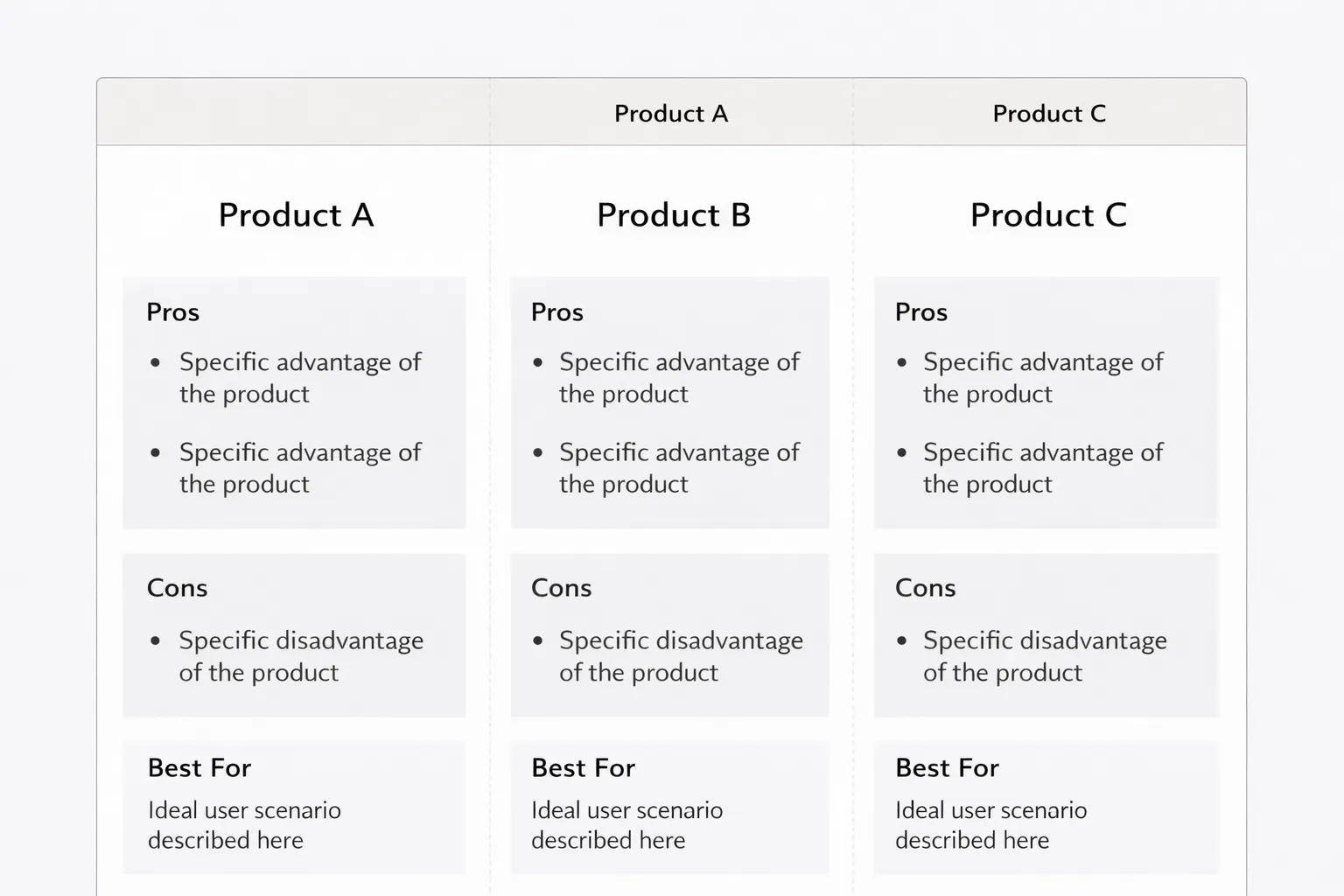
Recommended Word Count Length Range: 900‑1600 (depends on type).
These readers aren’t browsing. They’re narrowing options. Your job isn’t to educate broadly. It’s to reduce doubt and make the choice easier.
When someone has commercial intent, length should build clarity and confidence, not drag them through unnecessary details.
Best‑of List / Roundup (1,000–1,600 Words Total)
Start with a clean comparison table at the top. Include price range, key strength, main limitation, and best‑for category. This gives immediate orientation and prevents scrolling fatigue.
Then move into individual product sections. Spend 150–200 words per product. Keep the format identical for each one: What it is and what makes it stand out; real‑world use case; one clear limitation; “who it’s for” and “who it’s not for”. Balanced evaluation builds trust. If everything sounds amazing, credibility drops.
Keep paragraphs short. Use scannable formatting. Avoid repeating specs already shown in the table. End with a “Decision Shortcut” section. Help readers choose quickly based on budget, skill level, or primary goal.
A vs B Comparison (1,200–1,500 Words Total)
Open with a side‑by‑side table early. Show features, pricing tiers, key specs, and standout differences in one glance.
Then structure the article using mirrored subheadings: Features, Performance, Pricing logic, Ease of use, Ideal user profile. When comparing features, focus on what actually impacts the user experience. Don’t re‑list specs already in the table unless interpretation adds value.
In the pricing section, explain who pays more and why it may or may not be worth it.
Close with a clear verdict: Choose X if you value… Choose Y if you prioritise… End with a decisive 100‑word summary that removes ambiguity. Readers at this stage want direction.
Single Product Review (900–1,400 Words Total)
Place a “Quick Verdict” box near the top. One short paragraph explaining who should buy it and who should skip it.
Then break it down: What it does and how it works; real‑world usage scenario; strengths; limitations; final rating logic. Use bullet points for pros and cons. Keep them honest and specific.
If possible, include hands‑on insights. Mention friction points, setup time, learning curve, or unexpected strengths. That’s what separates a useful review from a rewritten product page. Keep analysis tight. No filler. Every paragraph should help someone decide.
Transactional Intent — Reduce Friction, Increase Action
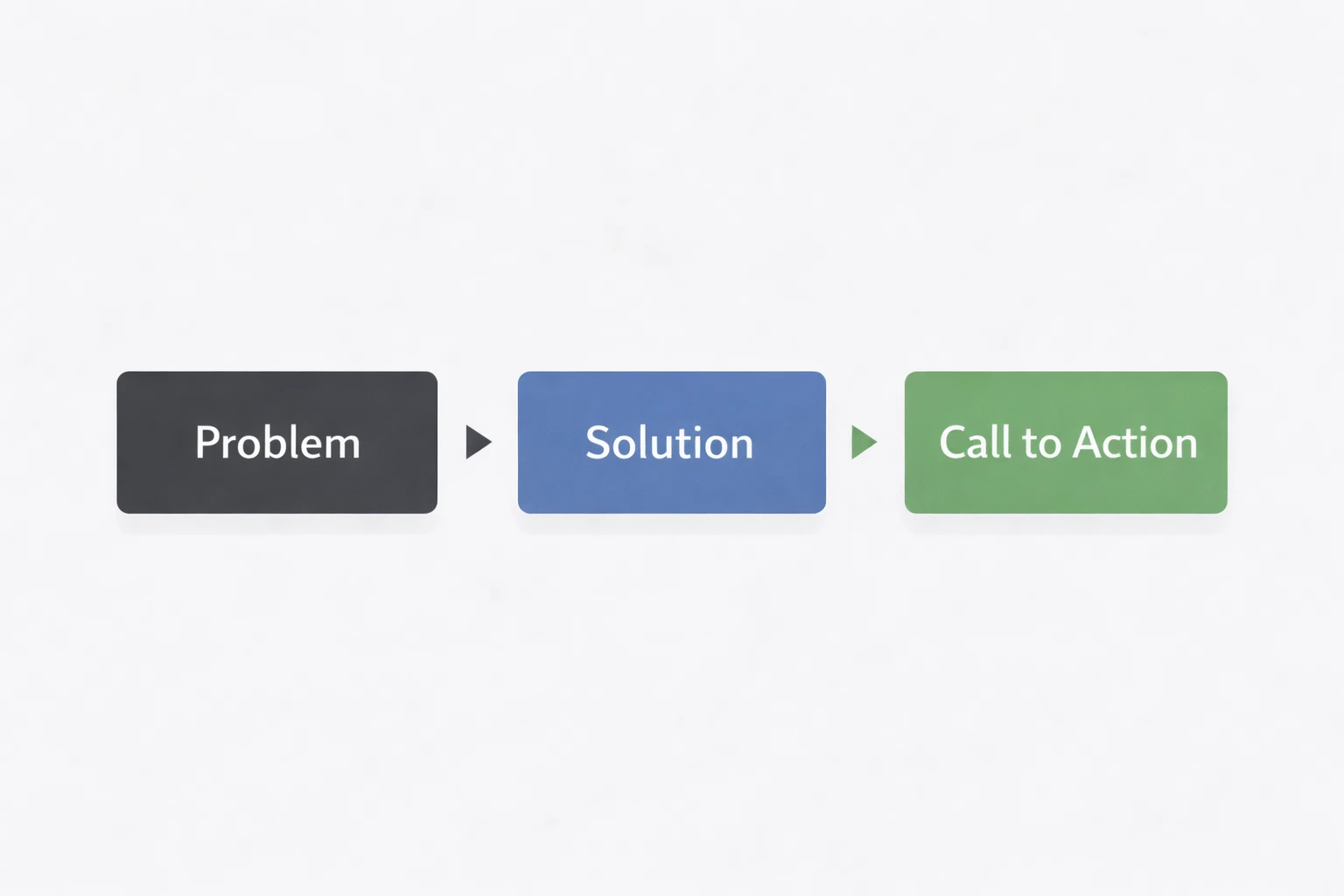
Recommended Word Count Length: 300‑800 words (based on blog type)
Some readers aren’t researching. They’re deciding. They’ve compared options. Now they want clarity, confidence, and a reason to move.
These users want to act. Extra words reduce conversion. Your job isn’t to educate them deeply. It’s to remove doubt, sharpen the value, and make the next step obvious.
Sales‑Focused Blog Page (300–500 Words Total)
This format works when the reader already understands the problem. They just need reassurance and a push.
Start with a tight 60‑80 word opening that highlights transformation, not mechanics. Lead with the result they care about. Make the outcome feel concrete and immediate.
Follow with a bullet list focused on outcomes: What improves; what becomes easier; what they stop struggling with; what they gain. After that, include a short FAQ section. Address 2‑3 objections directly. Pricing concerns. Time investment. Suitability. Keep answers brief and confident.
End with a clear CTA. Repeat it once more after the FAQ. No detours into tutorials or background theory. This page exists to convert, not to teach.
Landing‑Style Article (500–800 Words Total)
Use this when the decision feels bigger or riskier.
Open by intensifying the problem. Show the cost of inaction. Make the reader feel understood. Then present the solution with clarity and certainty.
Structure matters here: bold, declarative statements; short, punchy paragraphs; bullet points for proof and results. Include testimonials, numbers, or outcomes that lower scepticism. If objections are layered or emotional, the length expands naturally. If not, keep it tight. End with a strong, direct CTA. Confidence converts. Overexplaining dilutes it.
Navigational Intent — Give Clarity Fast
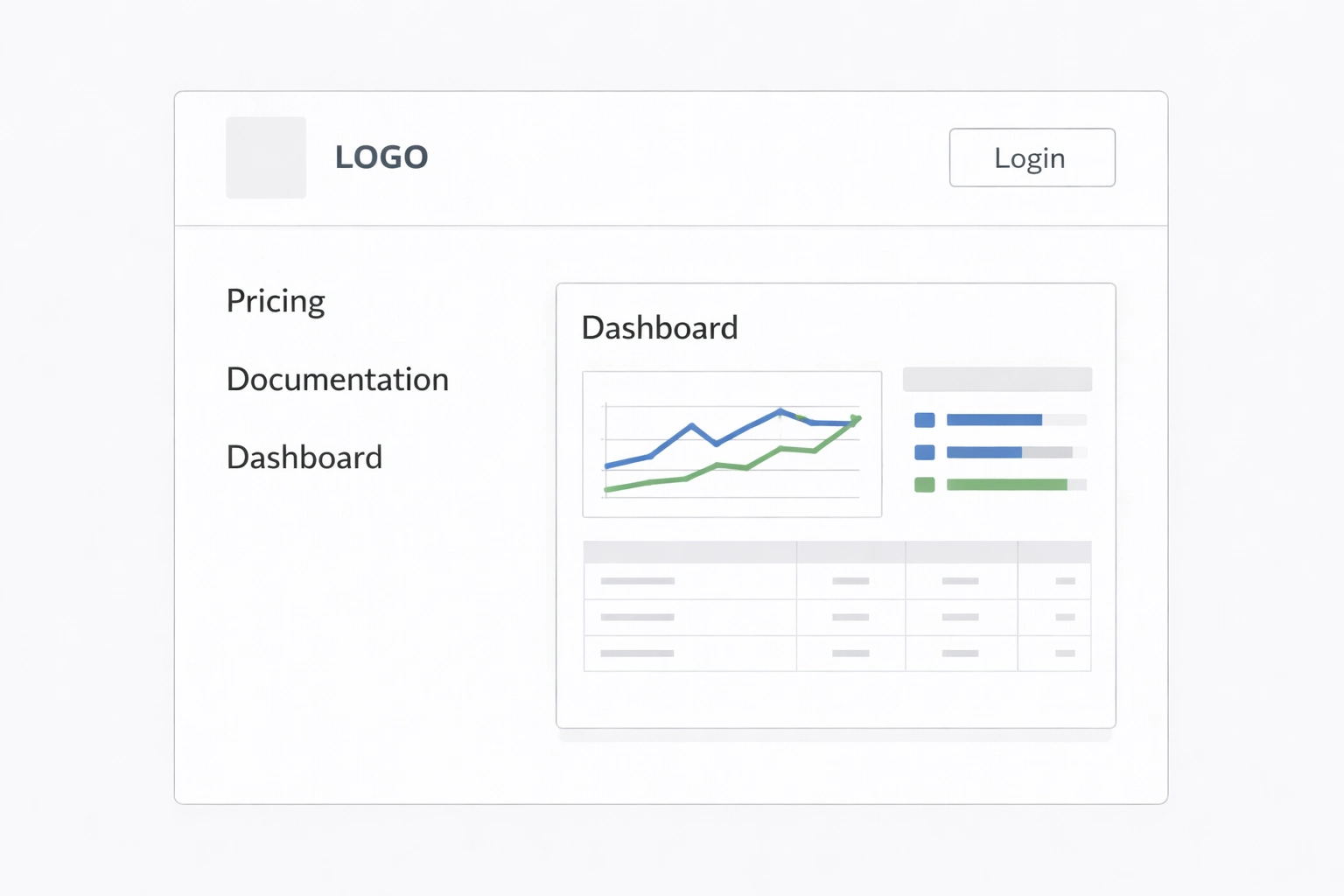
Recommended length: 400–700 words
When someone searches with navigational intent, they already know what they want. They just need the fastest way to get there.
These searches are about direction, not persuasion. No storytelling. No convincing. Just clarity. Think logins, pricing pages, dashboards, and official docs. The reader wants confirmation and the next step.
Your page should feel like a signboard, not a sales pitch. Briefly explain what the tool or brand is, who it’s for, and what it does. Keep paragraphs short. Use bullets. Skip the fluff.
Brand/Tool Overview
If someone lands here, they’re looking for a specific brand or tool and want quick validation.
Start with a tight description. One or two sentences explaining what it is and its core purpose. Keep it factual. Then clarify who it serves—bloggers, developers, marketers, students, or business owners.
Next, list key features in simple bullets: core function, secondary feature people search for, integrations or compatibility, access method (web, mobile, desktop), support or documentation. One line per feature. No expansion.
Then move to action: For sign‑up, visit the official homepage. For pricing, check the pricing page. For documentation, go to the help centre. For login, use the direct login page. Close with a clear next step. The goal is simple: confirm they’re in the right place and guide them forward without distraction.
How to Identify Search Intent Before You Decide on Length?
Before you think about word count, pause. Length should follow intent, not ego. Here’s how to read intent clearly and decide how deep you actually need to go.
Quick diagnostic checklist:
- Scan the SERP layout. Are you seeing guides, product pages, comparisons, or videos?
- Open the top 5 results and note their average length. Are they short answers or detailed tutorials?
- Look at keyword modifiers: best, how, buy, vs, near me.
- Check the featured snippet type: paragraph, list, or table.
- Notice ads and shopping blocks. That signals commercial intent.
| Query Type | Likely Intent |
|---|---|
| How to fix… | Informational |
| Best tools… | Commercial investigation |
| Buy iPhone 15 | Transactional |
| Ahrefs vs SEMrush | Comparison (Commercial) |
Practical Framework — Decide Length in 5 Minutes Before Writing
Most length problems start before the first sentence is written. If you plan properly, word count becomes obvious. Here’s a fast system you can use every time.
- Define the outcome. What should the reader be able to do after reading? One clear result.
- List required sub‑questions. What must be answered to reach that result? No extras.
- Assign a word budget per section. Quick answers get 80 words. Complex steps get 150.
- Estimate total length. Add the section budgets. That’s your target.
- Cut redundancy before writing. Remove overlaps in your outline.
Want a shortcut? Try the ideal blog length finder → (it suggests a range based on your topic and intent.)
Density vs Fluff Example (Quick Comparison)
Topic: How to Reset a Router
Fluffy Version (What Most Blogs Do): Resetting a router is something many people need to do at some point. Routers are important devices that connect your home to the internet. When problems happen, resetting can help fix connectivity issues. (80 words, zero real progress.)
Dense Version (What You Recommend): To reset a router: Locate the reset pinhole on the back. Hold it for 10‑15 seconds using a paperclip. Wait 2‑3 minutes for reboot. Use this only if restarting didn’t fix the issue. Resetting erases custom settings. (70 words. Problem solved.)
Conclusion — The Shortest Length That Solves the Problem Wins
Chasing a specific word count is backward. What matters is whether the reader’s question is fully resolved. Intent sets the direction, and length simply follows.
High information density beats padding every time. Once the key points are clear, useful, and complete, you’re done. Don’t stretch, don’t decorate, and don’t over‑explain. Stop at clarity.
If 400 words solve the problem, publish at 400.
Frequently Asked Questions About Blog Post Length & Intent
What if Top‑Ranking Pages Are Much Longer Than My Recommended Length?
Longer doesn’t automatically mean stronger. Look closely at those pages. Are they adding original insights, data, examples, or angles you haven’t covered? Or are they circling the same idea in different words?
If you want to understand why copying competitor word count often backfires, read this breakdown on why matching competitor word count is a mistake.
If your version delivers the same value without repetition, you don’t need to match their word count. Stop where clarity peaks, not where their length ends.
Can a Short Post Still Rank for Competitive Keywords?
Yes, if it answers the exact query faster and cleaner than anyone else. Match the specificity of the search, satisfy the micro‑intent, and remove friction. Strong engagement and reader satisfaction signals matter more than bulk.
Should I Update Old Posts Just to Increase Word Count?
No. Expanding for volume alone weakens structure. Add depth, not length. Improve clarity, fill genuine gaps, remove redundancy, and tighten flow so every section earns its place.
How Do I Know When I’ve Fully Satisfied the Intent?
You’re done when no natural sub‑question is left unanswered, nothing feels repetitive, and the takeaway is clear. Run the “So what?” test before adding anything new. If the answer adds no new value, stop.
What If a Keyword Has Mixed Intent?
Study the SERP and identify the dominant pattern. Prioritise that primary goal, then lightly support secondary intent within the same structure. Don’t try to serve two main outcomes equally.
— trust grows in systems, not silos —